
Trying to figure out how to fix uBlock Origin when it stopped working on Chrome? Here’s the honest answer up front: on Chrome, you can’t truly “fix” the original uBlock Origin anymore, because Google removed the technology it runs on. But you can absolutely get full ad blocking back in a couple of minutes. This guide walks you through every working option, step by step.
Some links below are affiliate links. If you buy through them we earn a small commission at no extra cost to you, and it never affects our test scores.
The quick answer
- You can’t re-enable the full uBlock Origin on Chrome. Google’s Manifest V3 change removed it for good in 2026, and the old workarounds are gone.
- Fastest real fix: the AdGuard desktop app. It blocks ads outside the browser, so Chrome’s limits don’t apply. Code CHECKADBLOCK30 takes 30% off.
- Free fix: switch to Firefox or Brave, where the full uBlock Origin still works.
- Stay on Chrome for free: install uBlock Origin Lite (weaker, but better than nothing).
First, why uBlock Origin stopped working
uBlock Origin relied on an old Chrome feature (the webRequest API) to block ads in real time. Google replaced it with Manifest V3, which caps how many filter rules an extension can use and removes real-time blocking. The result is that the full uBlock Origin simply cannot run on Chrome anymore. We break down the details in our guide to uBlock Origin on Chrome and the wider Manifest V3 changes.
Can you re-enable uBlock Origin in Chrome?
For a while, yes, through command-line flags and an enterprise policy. Not anymore. Those workarounds were removed in 2026, so there’s no reliable way to bring the full extension back on Chrome. If a site tells you to paste a flag into Chrome to restore it, it won’t last (and you should be careful with that kind of advice). The honest fix is to change how you block ads, not to fight Chrome.
Fix 1: Block ads outside the browser (best result)
This is the fix that actually matches what uBlock Origin used to do, and then some. The AdGuard desktop app installs on Windows or Mac and filters all your traffic at the system level. Because it isn’t a browser extension, Manifest V3 can’t limit it. You get unlimited rules, real-time filtering, and ad blocking in every browser and app, YouTube included. It scored a perfect 100/100 in our testing.
- Download and install the AdGuard desktop app.
- Let it set up the local filtering (accept the prompt to filter HTTPS traffic).
- Leave the default filter lists on, and you’re protected across your whole computer.
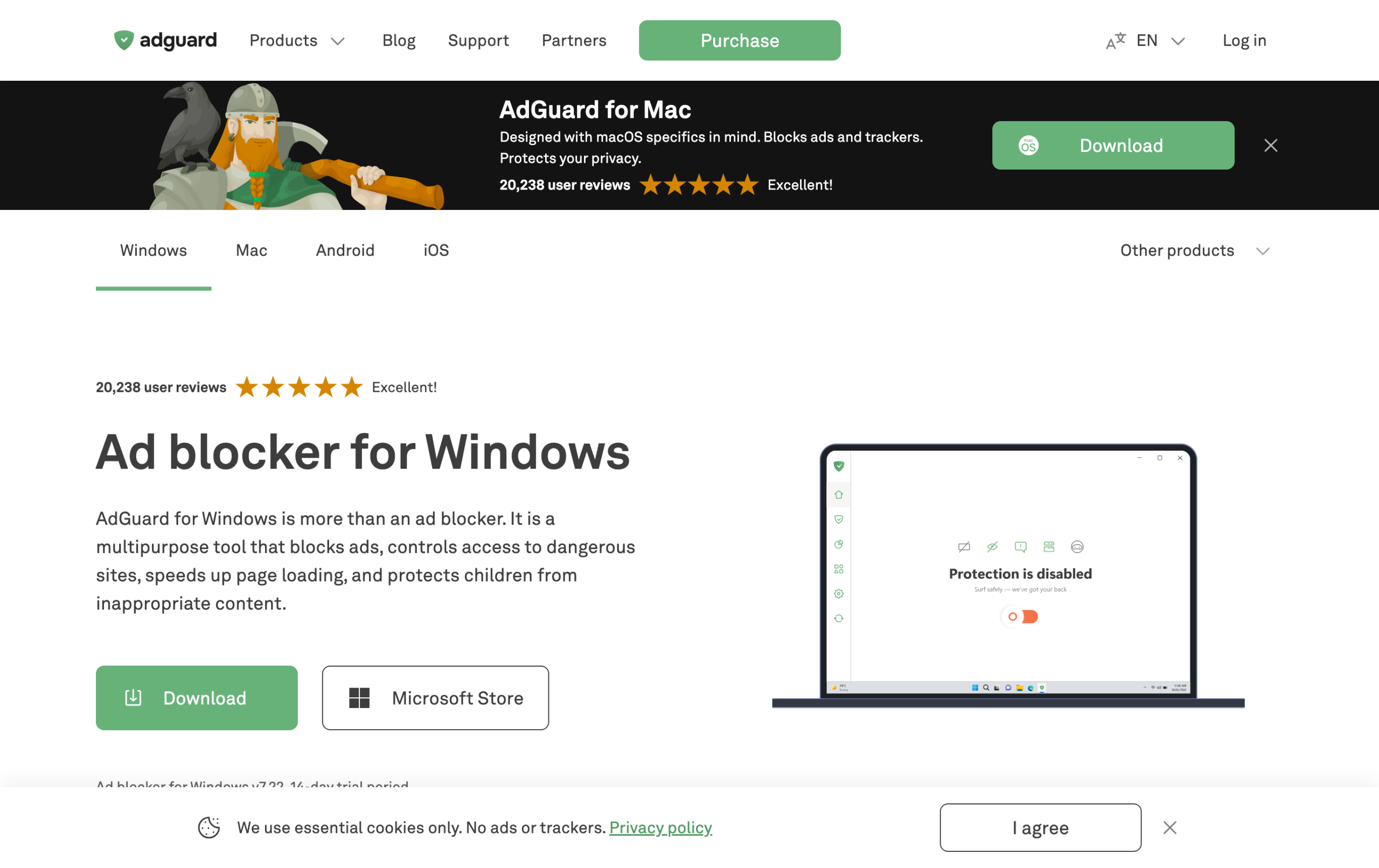
It’s a paid app, but it’s cheap, and code CHECKADBLOCK30 takes 30% off. If you want one fix that covers every browser at once, this is it.
Fix 2: Switch to Firefox or Brave (free)
If you’d rather not spend anything, the full uBlock Origin still works on Firefox and Brave, because they kept the blocking API Chrome removed. Here’s the quick move:
- Install Firefox (or Brave, which blocks ads out of the box).
- In Firefox, open the Add-ons store and install uBlock Origin.
- Sign in to sync your bookmarks and passwords over.
- Set it as your default browser.
The only downside is leaving Chrome behind. If your work is tied to Chrome, Fix 1 keeps you there.
Fix 3: Use uBlock Origin Lite on Chrome (free, weaker)
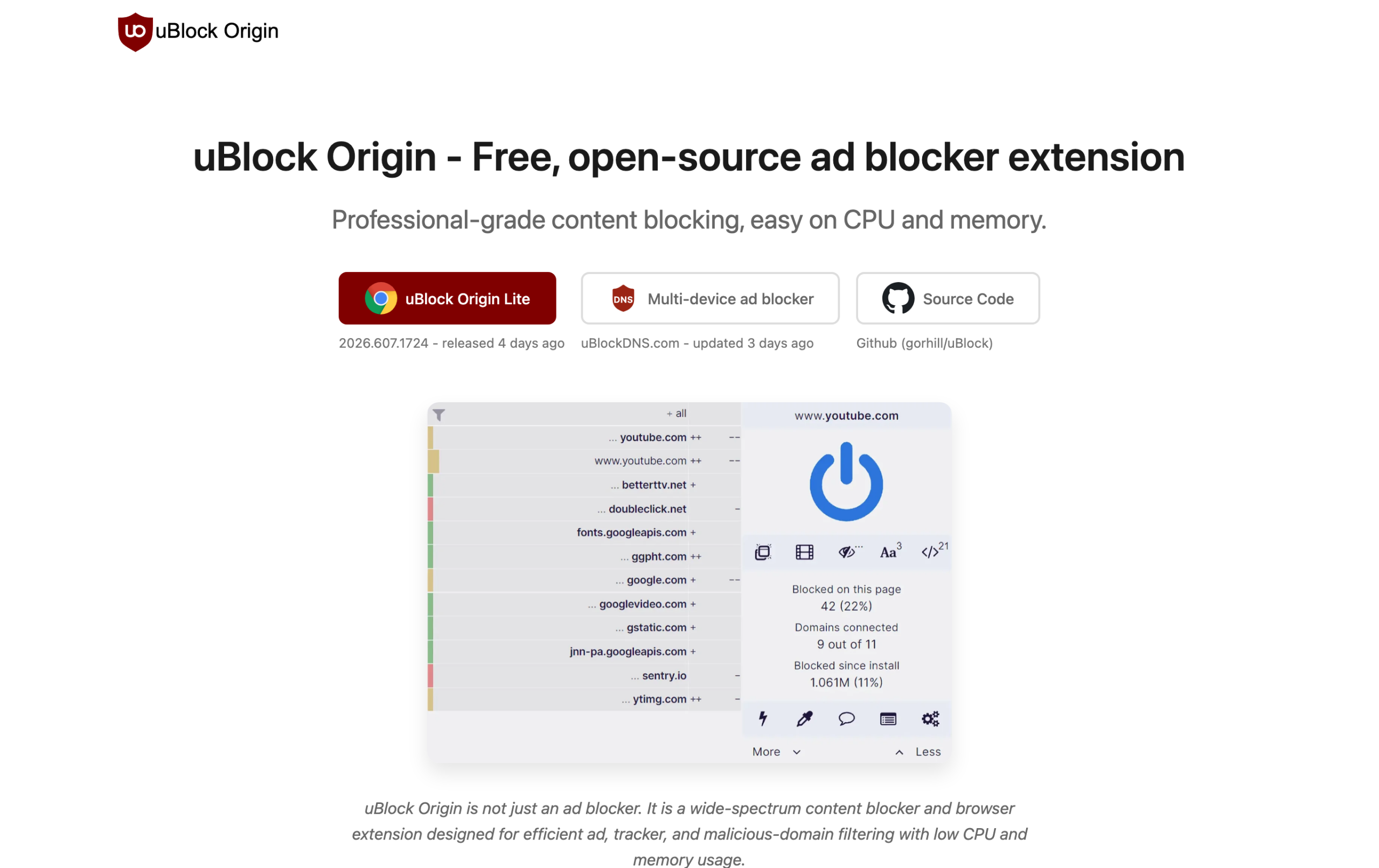
If you want to stay on Chrome and stay free, install uBlock Origin Lite from the same developer. It’s built for Manifest V3, so it’s weaker than the original, but it’s the best free Chrome option. The trick is to set its mode to Optimal, then raise stubborn sites to Complete. Just know it won’t match the old uBlock Origin on YouTube or anti-adblock sites.
Will the fix block YouTube ads again?
YouTube is the first thing most people notice, so it’s worth being clear. The original uBlock Origin was excellent at YouTube, and losing it is exactly why your ads came back. Here’s how each fix handles YouTube now:
- AdGuard desktop app: yes, and reliably. Because it filters at the system level, it keeps up with YouTube’s changes far better than any Chrome extension can.
- Firefox or Brave with uBlock Origin: yes, full strength, just like before.
- uBlock Origin Lite on Chrome: sometimes, but not dependably. YouTube changes often and uBOL is slower to react under Chrome’s limits.
If clean YouTube is your main goal, Fix 1 or Fix 2 is the way to go. For a deeper look, see our guide to the best ad blockers for YouTube.
How to fix uBlock Origin on Android and iPhone
Phones work differently from desktops, so the fix changes a little.
- Android: Chrome for Android never supported extensions the way desktop did, so the cleanest answer is a system-level app or DNS-based blocking that covers every app, not just the browser. Firefox for Android can still run the full uBlock Origin if you prefer a browser route.
- iPhone and iPad: Safari and Chrome on iOS use content-blocker apps instead of traditional extensions. A system-level tool is the simplest way to cover everything in one go.
The AdGuard app covers both phone and computer, which is why it’s the easiest single fix if your ads followed you across devices.
What about Microsoft Edge and Opera?
Edge and Opera are built on the same Chromium engine as Chrome, so they’re heading toward the same Manifest V3 limits. Edge kept the older extensions alive a bit longer, but it isn’t a permanent escape hatch. If you’re switching browsers anyway, Firefox is the safest long-term home for the full uBlock Origin, and Brave has strong blocking built in. Moving to Edge mostly just delays the same problem.
Mistakes to avoid when fixing uBlock Origin
- Don’t trust “paste this flag” tricks. Any guide telling you to re-enable uBlock Origin with a Chrome command-line flag is out of date, and pasting commands you don’t understand is risky.
- Don’t install a random “uBlock” copycat. Plain “uBlock” at ublock.org is not the same as uBlock Origin and is best avoided. Stick to the real developer, Raymond Hill.
- Don’t stack three extensions. Running several ad blockers at once can actually make them work worse, not better. Pick one approach.
- Don’t leave uBlock Origin Lite on Basic mode and then wonder why ads get through. Set it to Optimal.
How long will the free Chrome options last?
This is the question worth thinking about before you settle on a fix. uBlock Origin Lite is here to stay, but it is permanently capped by Manifest V3, so it will always be the lighter option, not the powerhouse the original was. Chrome is unlikely to loosen those limits, since the whole point of the change was to rein in what extensions can do.
Firefox, on the other hand, has publicly committed to keeping the powerful extension features that uBlock Origin needs, so the free browser-switch route should stay solid for the long haul. And because a system-level app like AdGuard sits completely outside the browser, it isn’t exposed to any of Chrome’s future extension decisions at all. In other words, if you want a fix you won’t have to revisit in a year, going outside the browser or moving to Firefox is the most future-proof choice. A quick Chrome flag, even if you find one that still works today, is the least durable option of all.
Which fix should you choose?
| Your situation | Best fix |
|---|---|
| Want the strongest blocking, stay on Chrome | AdGuard desktop app (CHECKADBLOCK30) |
| Want it free and will switch browser | Firefox or Brave with uBlock Origin |
| Want free and must stay on Chrome | uBlock Origin Lite on Optimal mode |
| Want ad blocking plus a VPN | Surfshark CleanWeb |
How to check your fix actually worked
Once you’ve set up a fix, it’s worth confirming it really blocks, instead of just hoping. The quickest way is to run our free AdBlock Tester. It loads real ads, trackers, and analytics scripts, then scores how many your setup stops out of 100.
- Open the tester in the browser you just fixed and let it run.
- Check your score. A strong setup like the AdGuard desktop app scores around 100. A browser-only blocker on Chrome often lands far lower.
- Compare browsers. Run it in Chrome and in Firefox to see the difference Manifest V3 makes for yourself.
- Re-test after changes. If you raise uBlock Origin Lite to Optimal or Complete, run it again to confirm the jump.
If your score is still low after trying a fix, that’s usually the sign you’re relying on a Chrome extension that Manifest V3 is holding back, and it’s time to move blocking outside the browser. You can also double check whether the extension is even active with our guide on whether your ad blocker is working.
Frequently asked questions
Why did uBlock Origin suddenly stop working on Chrome?
Google switched Chrome to Manifest V3, which removed the real-time blocking uBlock Origin needs. The full extension can no longer run on Chrome.
How do I fix uBlock Origin without leaving Chrome?
Use a system-level app like AdGuard, which blocks ads outside the browser and isn’t affected by Chrome’s limits. uBlock Origin Lite is the free Chrome option, but it’s weaker.
Is there a way to force the old uBlock Origin back on?
No. The command-line and enterprise workarounds were removed in 2026. Any guide telling you to re-enable it on Chrome is out of date.
Is uBlock Origin Lite good enough as a fix?
It is the best free option on Chrome, but it is weaker than the original, so set it to Optimal mode. For full strength, use AdGuard or switch to Firefox.
Will I have to pay to block ads now?
No. Firefox or Brave with uBlock Origin is completely free. A paid app like AdGuard is worth it if you want the strongest blocking across every browser and app without switching.
Does a VPN fix uBlock Origin?
A VPN with ad blocking, like Surfshark CleanWeb, blocks ads at the network level and is not affected by Chrome. It will not catch everything a dedicated blocker does, but it adds protection plus privacy.