
AdGuard for Safari is one of the few ad blockers that handles Apple’s browser well, which matters because Safari blocks ads differently from Chrome or Firefox. Apple limits how traditional extensions work, so a lot of blockers that are great elsewhere fall flat on Safari. AdGuard is built specifically around Apple’s content-blocker system, so it works the way Safari expects. This guide explains how AdGuard works on Safari across Mac and iPhone, the difference between AdGuard Mini for Mac and the full app, whether it is free, how to set it up, and whether it is the best Safari ad blocker for you in 2026.
The short version
- Does AdGuard work on Safari? Yes, and it is one of the best options, because it is designed around Apple’s content-blocker rules.
- Free option: AdGuard Mini for Mac is a free Safari ad blocker. There is also a free AdGuard extension for Safari on iOS.
- Strongest option: the full AdGuard for Mac app, which filters beyond Safari across your whole system.
- Best value: the full app, especially with the code CHECKADBLOCK30 for 30% off, if you want blocking everywhere and not just in Safari.
Why blocking ads in Safari is different
Apple does not allow the kind of deep, traditional extensions that Chrome and Firefox use. Instead, Safari uses a content-blocker system, where an app supplies a set of rules that Safari applies on its own. This is more private, but it also means a Safari ad blocker can only do what Apple’s framework permits. That is exactly why some popular blockers feel weaker on Safari, and why a tool built specifically for Apple’s system, like AdGuard, performs better there than a generic port.
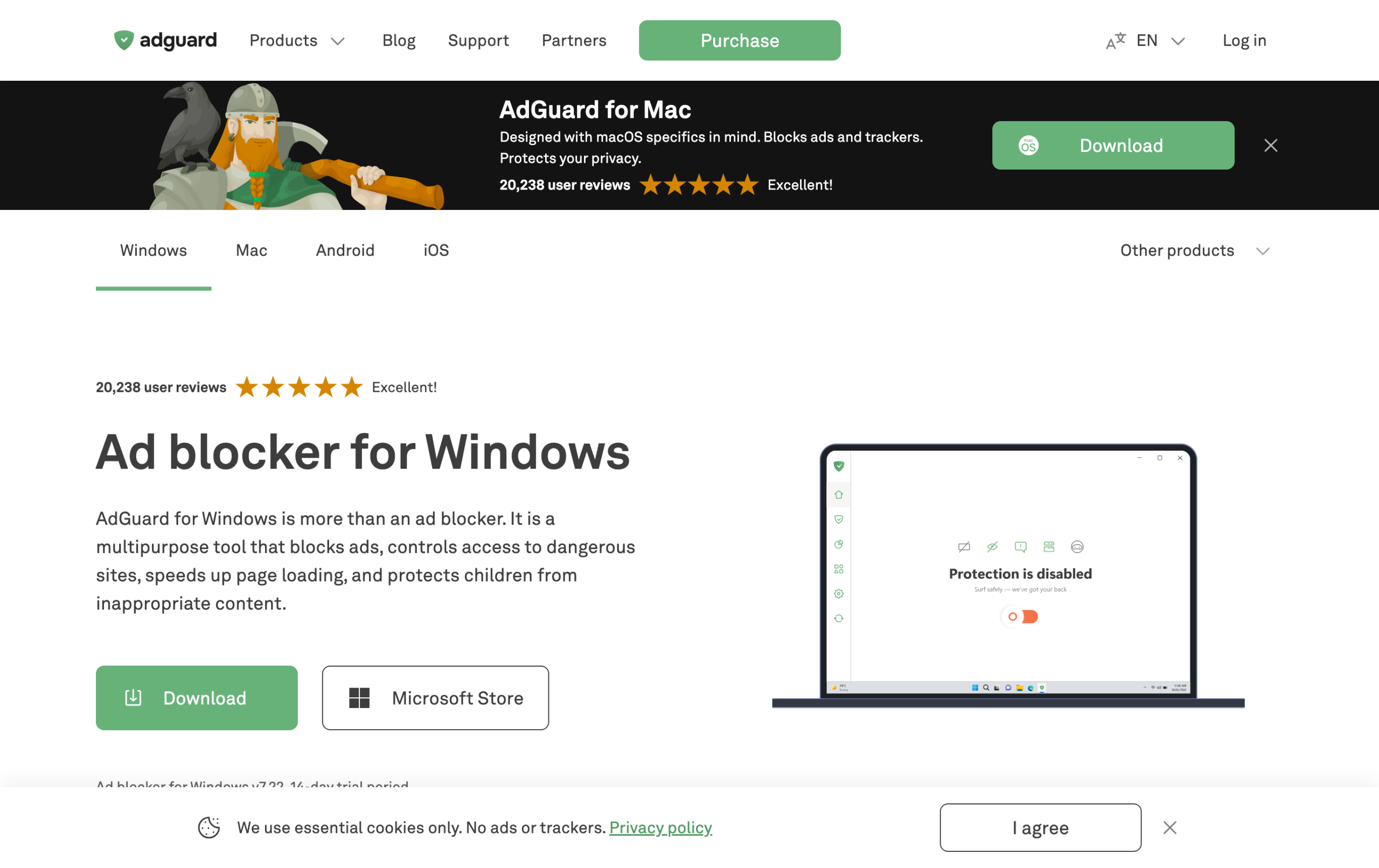
AdGuard for Safari on Mac: Mini vs the full app
On a Mac, AdGuard gives you two routes, and the difference is important.
- AdGuard Mini for Mac (free): a free, lightweight Safari ad blocker. It blocks ads and trackers inside Safari using Apple’s content-blocker system. If you only browse in Safari and want a free tool, this is the one to get.
- AdGuard for Mac (full app, paid): the complete system-level app. It is not limited to Safari, it filters ads across every browser and most apps on your Mac, with far more control. This is the choice if you want the strongest, system-wide blocking.
So the simple rule is: Safari-only and free, choose Mini; everything on your Mac and strongest results, choose the full app. The full app also handles YouTube and in-app ads more reliably than any Safari-only content blocker can, because it works outside the browser’s limits.
AdGuard for Safari on iPhone and iPad
On iOS, AdGuard provides a free ad blocker that plugs into Safari as a content blocker, plus a paid AdGuard Pro for iOS that adds DNS-level filtering to block ads in apps too. For Safari specifically, the free AdGuard extension does a solid job of cleaning up web ads. If you also want to block ads inside other apps on your iPhone, that needs the DNS-based approach, which AdGuard Pro provides. We cover the iPhone side in depth in our guide to AdGuard for iPhone.
Is AdGuard for Safari free?
Partly, yes. AdGuard Mini for Mac is free, and the AdGuard extension for Safari on iOS is free as well. Those cover Safari browsing at no cost. What is paid is the full system-level protection: the complete AdGuard for Mac app, and AdGuard Pro for iOS with DNS filtering. So you can absolutely block Safari ads for free, but if you want ad blocking that goes beyond Safari into other apps and browsers, that is the paid tier. The code CHECKADBLOCK30 takes 30% off the paid versions.
How to set up AdGuard on Safari
Setup is quick, but because of Apple’s system you do need to enable the extension in settings after installing.
- On Mac: install AdGuard Mini for Mac (or the full AdGuard app), then open Safari, Settings, Extensions and tick the AdGuard content blockers to turn them on.
- On iPhone or iPad: install the AdGuard app from the App Store, then go to Settings, Safari, Extensions (or Content Blockers) and enable AdGuard.
- Open the AdGuard app once to choose your filter lists (the defaults are fine for most people).
- Reload a page in Safari and confirm ads are gone. If something looks off, toggle AdGuard off and on for that site.
AdGuard for Safari: ads still showing?
- The extension is installed but ads remain: make sure you actually enabled it in Safari’s settings, since installing the app alone does not switch it on.
- Only some ads are blocked: check that your filter lists are enabled in the AdGuard app, and update them.
- YouTube or in-app ads still appear: a Safari content blocker cannot reach those. Use the full AdGuard for Mac app or AdGuard Pro for iOS (DNS filtering) instead.
- A page breaks: disable AdGuard for that single site, then reload.
Is AdGuard the best ad blocker for Safari?
For most people, yes. Because Apple’s rules hold back generic extensions, a Safari-focused tool like AdGuard consistently outperforms blockers that were really designed for Chrome. The free AdGuard Mini for Mac and the free iOS extension are excellent no-cost Safari blockers, and stepping up to the full app removes the Safari-only ceiling entirely so you also clear YouTube and in-app ads. If you live in Safari across a Mac and iPhone, AdGuard is the most complete answer, and our full AdGuard review covers how it scored in our testing.
Frequently asked questions
Does AdGuard work on Safari?
Yes. AdGuard is built around Apple’s content-blocker system, so it works well in Safari on both Mac and iPhone. AdGuard Mini for Mac and the iOS AdGuard extension are free Safari blockers.
Is AdGuard for Safari free?
The Safari-only options are free: AdGuard Mini for Mac and the AdGuard extension for Safari on iOS. The full AdGuard for Mac app and AdGuard Pro for iOS, which block ads beyond Safari, are paid.
What is the difference between AdGuard Mini for Mac and AdGuard for Mac?
AdGuard Mini for Mac is a free, Safari-only ad blocker. AdGuard for Mac is the full, paid app that filters across every browser and most apps system-wide, with much more control.
Why are ads still showing in Safari after installing AdGuard?
Usually because the extension was installed but not enabled in Safari’s settings. Turn on the AdGuard content blockers under Safari Extensions, and make sure your filter lists are active in the app.
Can AdGuard block YouTube ads in Safari?
A Safari-only content blocker is limited there. For reliable YouTube and in-app ad blocking, use the full AdGuard for Mac app or AdGuard Pro for iOS with DNS filtering.
Related reading: AdGuard review, best ad blockers for Safari, and best ad blockers for macOS.