
The AdGuard Chrome extension is a free, easy way to block ads in Google Chrome, but in 2026 there is an important wrinkle you should understand before relying on it: Chrome’s new extension rules limit what any extension can do, including this one. That does not make the AdGuard extension useless, far from it, but it does change when you should use the extension and when you are better off with the full AdGuard app. This guide gives an honest review of the AdGuard browser extension for Chrome, how it differs from the desktop app, how Manifest V3 affects it, and how to set it up.
The short version
- The AdGuard Chrome extension is free and blocks ads and trackers on web pages well.
- It runs under Chrome’s Manifest V3 rules, so it is more limited than it used to be, especially on stubborn sites and YouTube.
- The full AdGuard app is stronger, because it filters outside the browser and is not bound by Chrome’s limits.
- Best approach: use the free extension for light browsing, or the app (30% off with CHECKADBLOCK30) for the strongest, system-wide blocking.
What is the AdGuard browser extension?
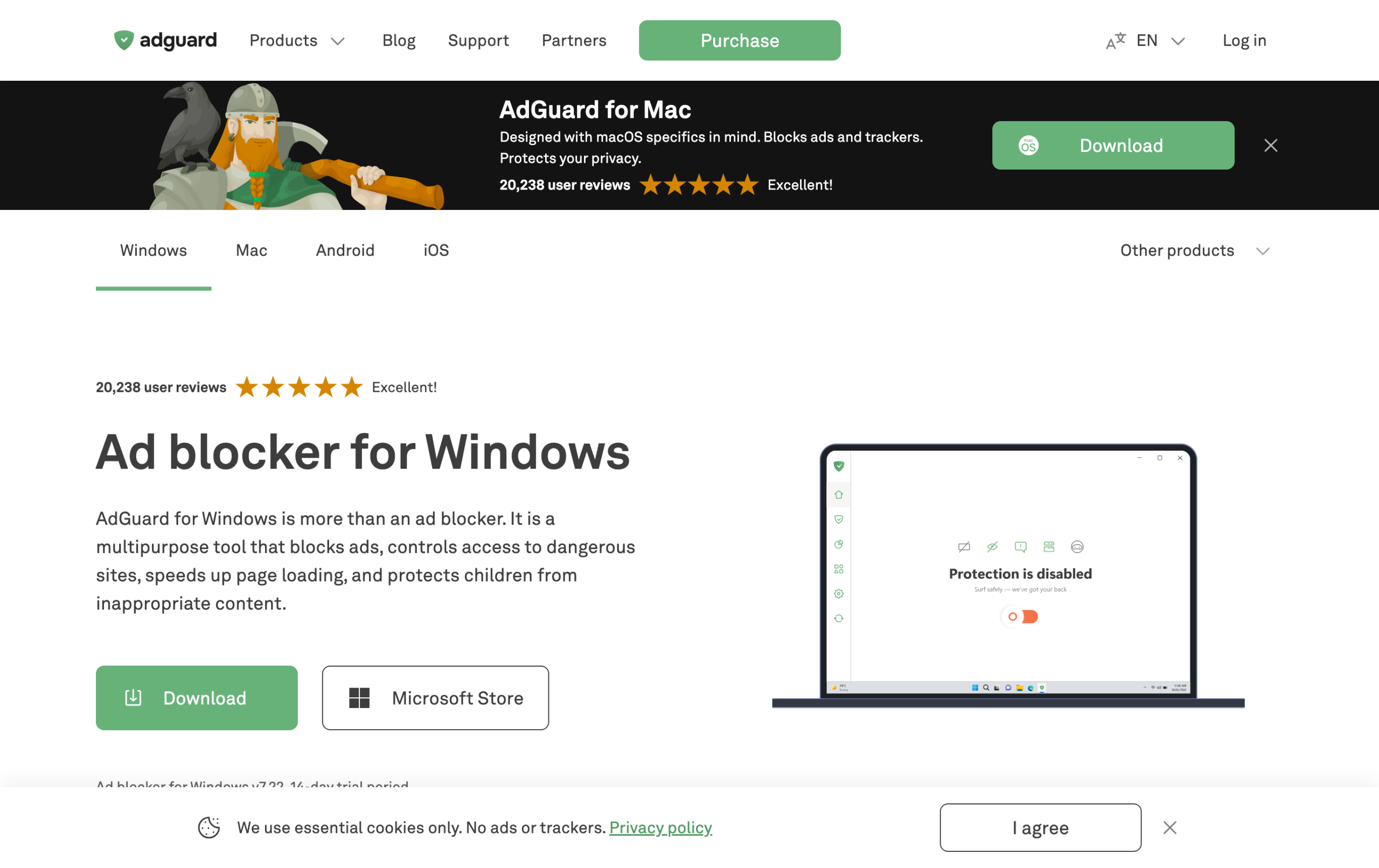
The AdGuard browser extension is a free add-on for Chrome (and other browsers) that blocks ads, pop-ups, and trackers on the web pages you visit. It is the lightweight, in-browser version of AdGuard. It is genuinely good for everyday browsing, blocks the large majority of web ads, and takes one click to install. For a lot of people it is all they need. The important thing to know is its ceiling, which comes from Chrome itself.
How Manifest V3 affects the AdGuard extension
Chrome moved all extensions to a framework called Manifest V3, which caps how aggressively any ad blocker can filter and removes some of the real-time blocking older extensions used. This is the same change that forced the classic uBlock Origin off Chrome. The AdGuard extension was rebuilt to work within these rules, so it still functions, but it cannot be as powerful as it could be before, and it cannot match the full AdGuard app. If you want the full background, see our explainer on the Manifest V3 impact on ad blockers.
The practical effect: the AdGuard extension handles normal web ads well, but it is weaker against aggressive anti-adblock sites and less reliable on YouTube than a system-level tool. That is not an AdGuard flaw, it is a Chrome limitation that applies to every extension.
Extension vs the AdGuard desktop app
| AdGuard extension | AdGuard app | |
|---|---|---|
| Cost | Free | Paid (30% off CHECKADBLOCK30) |
| Covers | The browser only | Every browser and app |
| Limited by Manifest V3? | Yes | No |
| YouTube | Inconsistent | Reliable |
| Best for | Light, free web blocking | Strongest, system-wide blocking |
This is the decision that matters. If you only need to tidy up ads while browsing in Chrome and want free, the extension is great. If you want the strongest blocking, coverage across apps, and reliable YouTube, the app is worth it. Many people start with the free extension and upgrade to the app once they hit its limits. We compare AdGuard’s overall strength against the old favorite in AdGuard vs uBlock Origin.
How to install the AdGuard extension on Chrome
- Open the Chrome Web Store.
- Search for AdGuard AdBlocker and confirm the publisher is AdGuard Software Ltd.
- Click Add to Chrome, then confirm.
- The AdGuard shield appears in your toolbar and starts blocking immediately. Click it to see what it has blocked or to pause it on a site.
The same extension works on other Chromium browsers like Edge, Brave, and Opera, and there is a Firefox version too. Installation is identical in spirit across them.
Is the free AdGuard extension enough?
For many users, yes. If your ads are mostly banners and pop-ups on normal websites, the free extension clears them nicely. You should consider the app instead if any of these apply: YouTube ads keep getting through, ads appear in other apps or browsers, or sites with anti-adblock walls beat the extension. Those are exactly the cases Chrome’s rules hold the extension back on, and exactly where the system-level app shines. For the full feature breakdown and our test score, read our AdGuard review.
AdGuard extension features worth knowing
Within its Manifest V3 limits, the AdGuard extension still packs in more than a basic blocker. Knowing what is there helps you decide whether it covers your needs before you consider the app.
- Ad and pop-up blocking: the core job, handled well on everyday sites.
- Tracking protection: blocks many analytics and tracking scripts, not just ads, which is good for privacy.
- Custom filters and rules: you can add your own filter lists and write rules to block or allow specific elements.
- AdGuard Assistant: an on-page helper that lets you block an element manually or pause protection on a site with a click.
- Per-site control: allowlist a site you want to support, and AdGuard will leave it alone.
AdGuard extension vs uBlock Origin Lite
Since both are Manifest V3 Chrome extensions now, this is the comparison many people actually want. The AdGuard extension and uBlock Origin Lite are both capped by the same Chrome rules, so neither can match the old, full uBlock Origin. The AdGuard extension tends to offer a friendlier interface, AdGuard Assistant, and tighter integration if you also use the AdGuard app. uBlock Origin Lite is fully open source and extremely light. Both are solid free choices for the browser, and if you want the strongest result you would step up to the AdGuard app either way. We go deeper on the Lite side in uBlock Origin Lite vs AdGuard.
Is the AdGuard extension safe and private?
Yes. AdGuard is a long-established, reputable developer, and the extension is distributed through the official Chrome Web Store. It actively blocks trackers rather than collecting your browsing data, which is the opposite of some shady “free” blockers that monetize by harvesting information. As always, install only the official AdGuard AdBlocker by AdGuard Software Ltd and avoid copycats with similar names.
When should you upgrade to the AdGuard app?
Stick with the free extension if your needs are simple and browser-only. Upgrade to the app when you notice any of these: YouTube ads keep returning, you want ads gone in other apps or every browser at once, anti-adblock sites are beating the extension, or you simply want the strongest filtering with no Manifest V3 ceiling. The app filters outside the browser entirely, which is why it sidesteps all of Chrome’s extension limits, and the code CHECKADBLOCK30 makes it inexpensive to try.
Frequently asked questions
Is the AdGuard Chrome extension free?
Yes. The AdGuard browser extension for Chrome is free and blocks ads and trackers on web pages. The paid AdGuard desktop app is separate and offers stronger, system-wide blocking.
What is the difference between the AdGuard extension and the app?
The extension works inside the browser and is limited by Chrome’s Manifest V3 rules. The app filters at the system level across every browser and app, so it is stronger and not subject to those limits.
Does Manifest V3 break the AdGuard extension?
No, it still works. AdGuard rebuilt the extension to fit Chrome’s new rules. But those rules cap how much any extension can filter, so it is weaker than the full app on hard sites and YouTube.
Does the AdGuard extension block YouTube ads?
It can, but not reliably, because of Chrome’s extension limits. For consistent YouTube blocking, the full AdGuard app is the better choice.
Does the AdGuard extension work on Edge and Brave?
Yes. It works on Chromium-based browsers including Edge, Brave, and Opera, and there is a Firefox version too. The same Manifest V3 limits apply on Chromium browsers.
Related reading: AdGuard review, AdGuard vs uBlock Origin, and the Manifest V3 changes.