
Total Adblock can block YouTube ads, but how well it works depends on whether you use its app or its browser extension, and YouTube’s constant changes mean it is not always perfect. If you have been seeing YouTube ads slip through, or you are deciding whether Total Adblock is the right tool for clean YouTube, this guide explains exactly how it handles YouTube, how to set it up for the best results, why ads sometimes still appear, and how it compares to other options in 2026.
The short version
- Does it block YouTube ads? Yes, on the paid Premium plan, with the app generally more reliable than the browser extension.
- Best setup: use the Total Adblock application and enable YouTube blocking, rather than relying on the browser extension alone.
- Why ads sometimes return: YouTube changes its ad delivery often, so there can be short gaps before filters catch up.
- Alternatives: AdGuard and uBlock Origin are also strong on YouTube. The AdGuard app is especially reliable, and code CHECKADBLOCK30 takes 30% off.
Does Total Adblock block YouTube ads?
Yes, with its Premium plan. Total Adblock is designed to block ads across the web, and YouTube is included. The free version mainly detects ads rather than blocking them continuously, so reliable YouTube blocking is a Premium feature. When set up correctly, it removes the pre-roll and mid-roll ads that interrupt videos. The key to good results is using the right part of Total Adblock, which is its own application rather than just the browser add-on.
How to set up Total Adblock for YouTube
- Install Total Adblock and sign in to your Premium account.
- Open the Total Adblock application (the recommended route for YouTube), and make sure ad blocking is switched on.
- Confirm YouTube or video ad blocking is enabled in its settings.
- If you prefer the browser, ensure the Total Adblock extension is installed and enabled in Chrome, Edge, or Safari as a secondary layer.
- Reload YouTube and play a video to check that ads are gone. If one slips through, refresh and update your filters.
Total Adblock’s own guidance is that YouTube blocking works best through its application, with the browser extension as a backup. If you only use the extension, expect slightly less consistency, since browser extensions are more limited.
Why are YouTube ads still showing?
- You are on the free version: reliable YouTube blocking needs Premium. The free tier mostly detects rather than blocks.
- YouTube changed something: Google updates its ad delivery often, so there can be a short lag before filters are updated to catch the new method.
- You are relying on the extension only: switch to the Total Adblock application for more consistent results.
- Filters are out of date: make sure Total Adblock is updating, then refresh YouTube.
This cat-and-mouse with YouTube affects every ad blocker, not just Total Adblock. No tool blocks YouTube perfectly every single day, but the good ones recover quickly after each YouTube change.
Total Adblock vs AdGuard vs uBlock Origin for YouTube
- Total Adblock: blocks YouTube ads on Premium, best through its application. Easy and beginner-friendly.
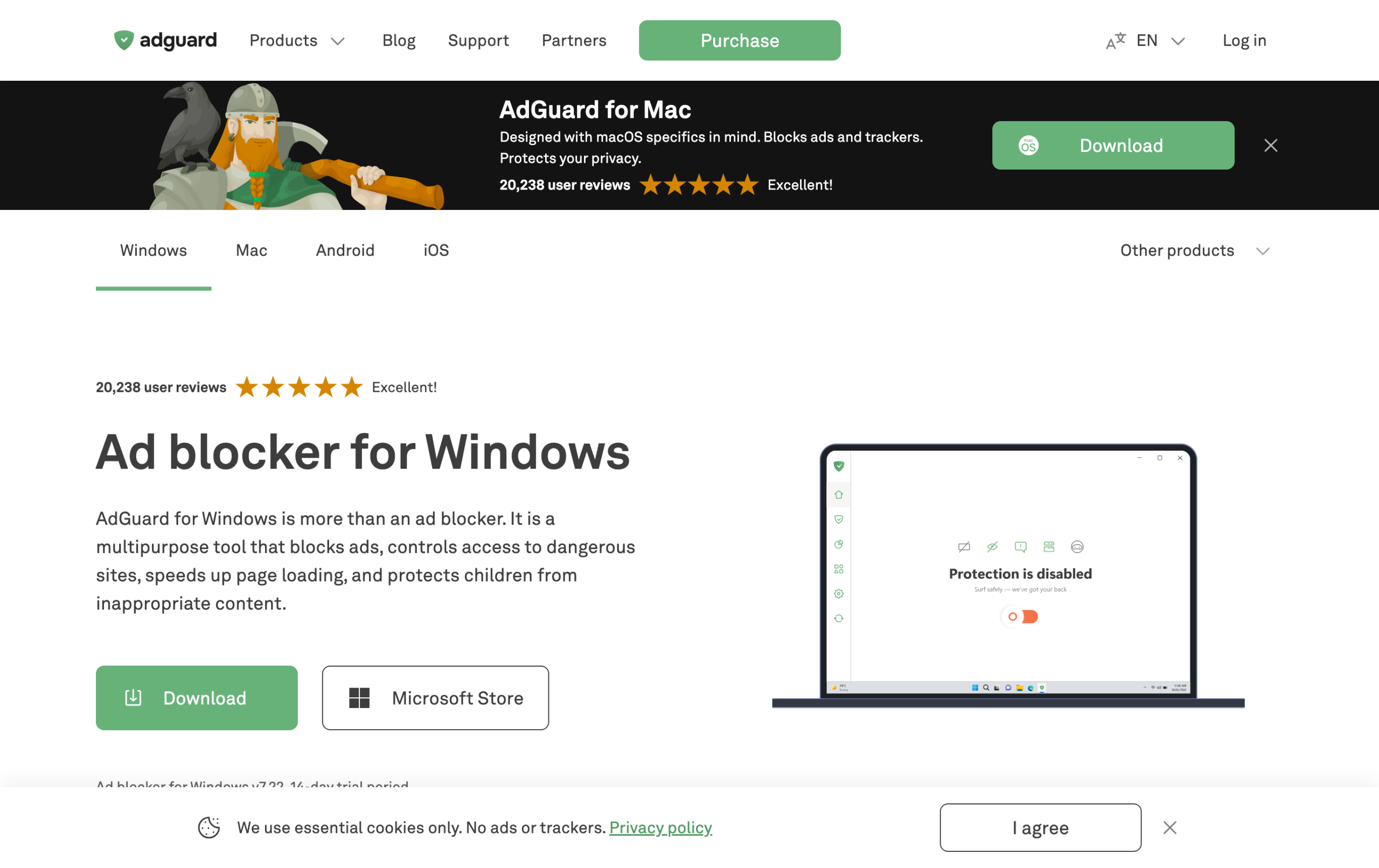
- AdGuard: its system-level app is one of the most reliable YouTube blockers, because it filters outside the browser. Code CHECKADBLOCK30 for 30% off.
- uBlock Origin: excellent on YouTube when run on Firefox, and free, though it no longer runs in full on Chrome.
If clean YouTube is your single biggest priority, a system-level app like AdGuard is the most dependable, while Total Adblock is the simplest paid option and uBlock Origin is the best free one on Firefox. For the full comparison, see our guide to the best ad blockers for YouTube.
Blocking YouTube ads on mobile
Phones are harder than desktops, because the YouTube app does not allow browser extensions to reach inside it. On mobile, the most reliable results come from the Total Adblock application rather than a browser add-on, since the app can filter more of your traffic. On iPhone, you also enable Total Adblock under Safari settings for web video, while in-app YouTube is tougher for any tool. If clean YouTube on your phone is the priority, a system-level app such as AdGuard, which uses DNS-style filtering, tends to be the most dependable mobile option.
What to do when YouTube detects your ad blocker
YouTube sometimes shows a message asking you to turn off your ad blocker or allow ads. If that happens with Total Adblock, try these steps in order:
- Make sure you are using the Total Adblock application, not just the browser extension.
- Refresh your filters in the app, then reload YouTube.
- Clear your browser cache and cookies for YouTube, then sign back in.
- If the warning persists, the filters may need a day to catch up to YouTube’s latest change. A system-level app like AdGuard usually recovers fastest.
Is it legal to block YouTube ads?
Yes, using an ad blocker is legal, and you are free to control what loads in your own browser. It may go against YouTube’s terms of service, which is why you sometimes see the detection prompts, but it is not against the law. If you want to support creators while skipping ads, YouTube Premium is the official route, and we cover the trade-offs in our guide on watching YouTube without ads.
Frequently asked questions
Does Total Adblock work on YouTube?
Yes, on the Premium plan. It blocks YouTube pre-roll and mid-roll ads, and works most reliably through the Total Adblock application rather than the browser extension alone.
Does free Total Adblock block YouTube ads?
Not reliably. The free version mostly detects ads, while continuous YouTube ad blocking is a Premium feature.
Why does Total Adblock stop blocking YouTube ads sometimes?
YouTube changes its ad delivery often, so there can be a brief gap before filters are updated to catch the new method. Updating filters and using the application usually restores blocking.
What blocks YouTube ads best?
A system-level app like AdGuard is the most reliable because it filters outside the browser. Total Adblock is a simple paid option, and uBlock Origin on Firefox is the best free one.
Related reading: Total Adblock review, best ad blockers for YouTube, and watch YouTube without ads.