
Is uBlock Origin not working on Chrome all of a sudden? You’re not alone, and no, you didn’t break anything. If you opened Chrome and got hit with a “uBlock Origin is no longer supported” message, here’s the deal: Google removed the technology uBlock Origin needs to run, and as of 2026 there’s no way to bring the full version back on Chrome. If you searched for uBlock Origin Chrome hoping to reinstall it, this guide covers exactly what to use instead.
The good news: a couple of replacements actually block more than uBlock Origin ever did. Here’s the honest, tested rundown of what to use instead.
Heads up: some links below are affiliate links. If you buy through them we earn a small commission at no extra cost to you. It never changes our test scores or rankings.
The short version
- uBlock Origin is finished on Chrome. Google’s Manifest V3 change killed it for good in 2026, and the old workarounds are gone.
- Swapping in another Chrome extension barely helps. They’re all hit by the same limits now.
- The real fix is to block ads outside the browser. Our top pick is the AdGuard desktop app. It’s immune to the whole Chrome mess and scored 100/100 in our tests. Use code CHECKADBLOCK30 for 30% off.
- Want it free? Switch to Firefox or Brave, where the full uBlock Origin still works.
uBlock Origin not working on Chrome: what actually happened
uBlock Origin worked by watching every web request in real time and blocking the bad ones. It used an old Chrome feature called the webRequest API to do that.
Google replaced that feature with a new system called Manifest V3, which does two things ad blockers hate. It caps how many filter rules an extension can use, and it removes the real-time blocking uBlock Origin was built on. The developer behind uBlock Origin said it plainly: there is no Manifest V3 version of the full extension, and there never will be.
The timeline, if you’re curious:
- July 2025 (Chrome 138): Google permanently disabled all Manifest V2 extensions, uBlock Origin included.
- 2026 (Chrome 149 and 150): the last command-line workarounds that kept it limping along were removed.
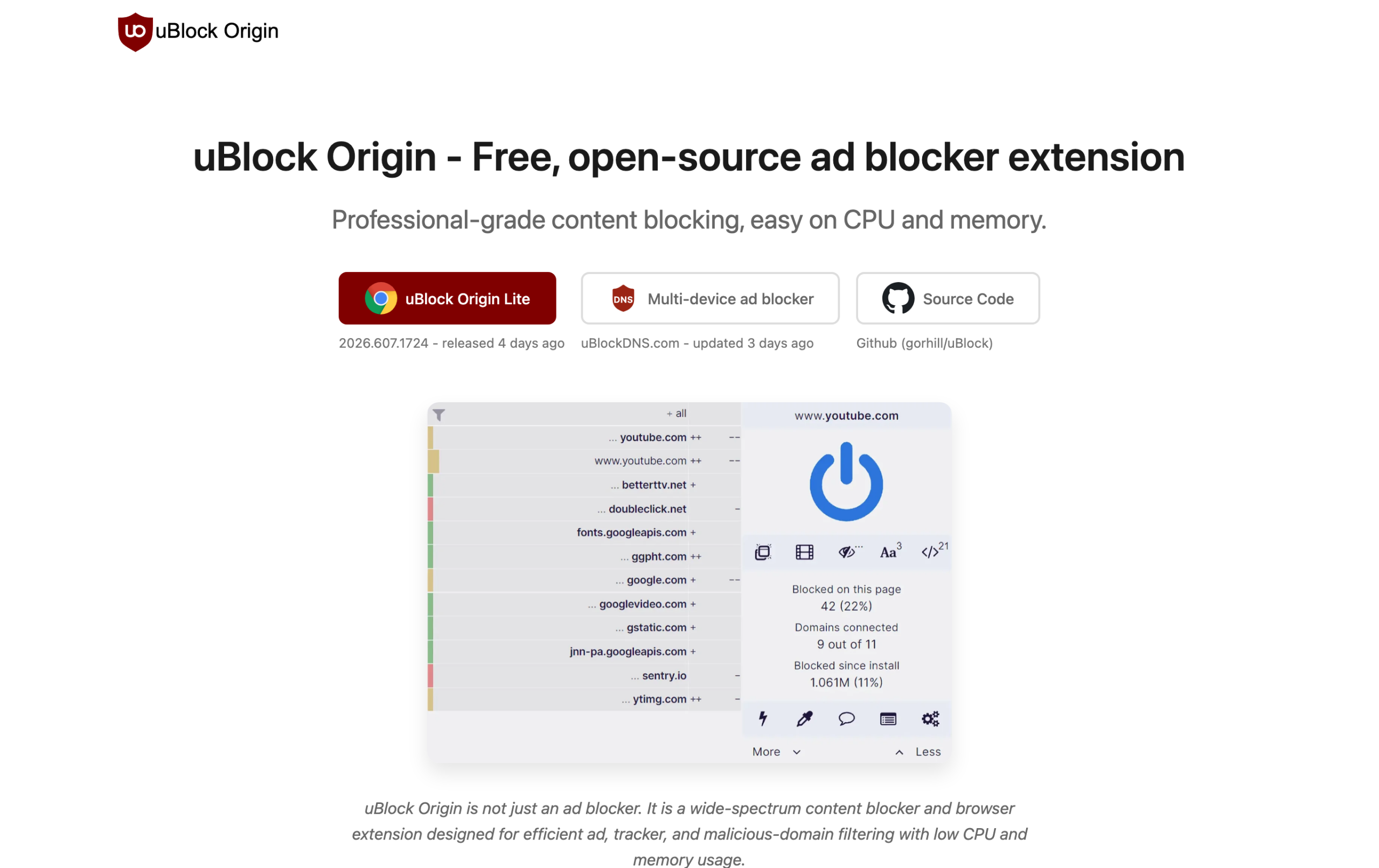
Want the deep technical breakdown? We cover it in what Manifest V3 actually changed.
Are all ad blockers affected?
Only the ones that run as a Chrome extension. That’s the key thing to understand, because it points straight at the fix.
- Hit hard: every Chrome extension blocker, including uBlock Origin Lite, AdBlock Plus, and AdBlock. They all share the same Manifest V3 limits.
- Not affected: system-level apps like the AdGuard desktop app, network-level tools like Surfshark’s CleanWeb, and the full uBlock Origin on Firefox or Brave. None of them rely on Chrome’s extension rules.
Why another Chrome extension won’t really fix it
This is the part most “uBlock alternative” lists get wrong. Installing a different Chrome ad-blocking extension, like uBlock Origin Lite or AdBlock Plus, doesn’t dodge the problem.
That’s because every Chrome extension now lives under the same Manifest V3 ceiling. Where old ad blockers could juggle 300,000 or more filter rules, MV3 extensions are capped at roughly 30,000, and they’ve lost real-time filtering entirely.
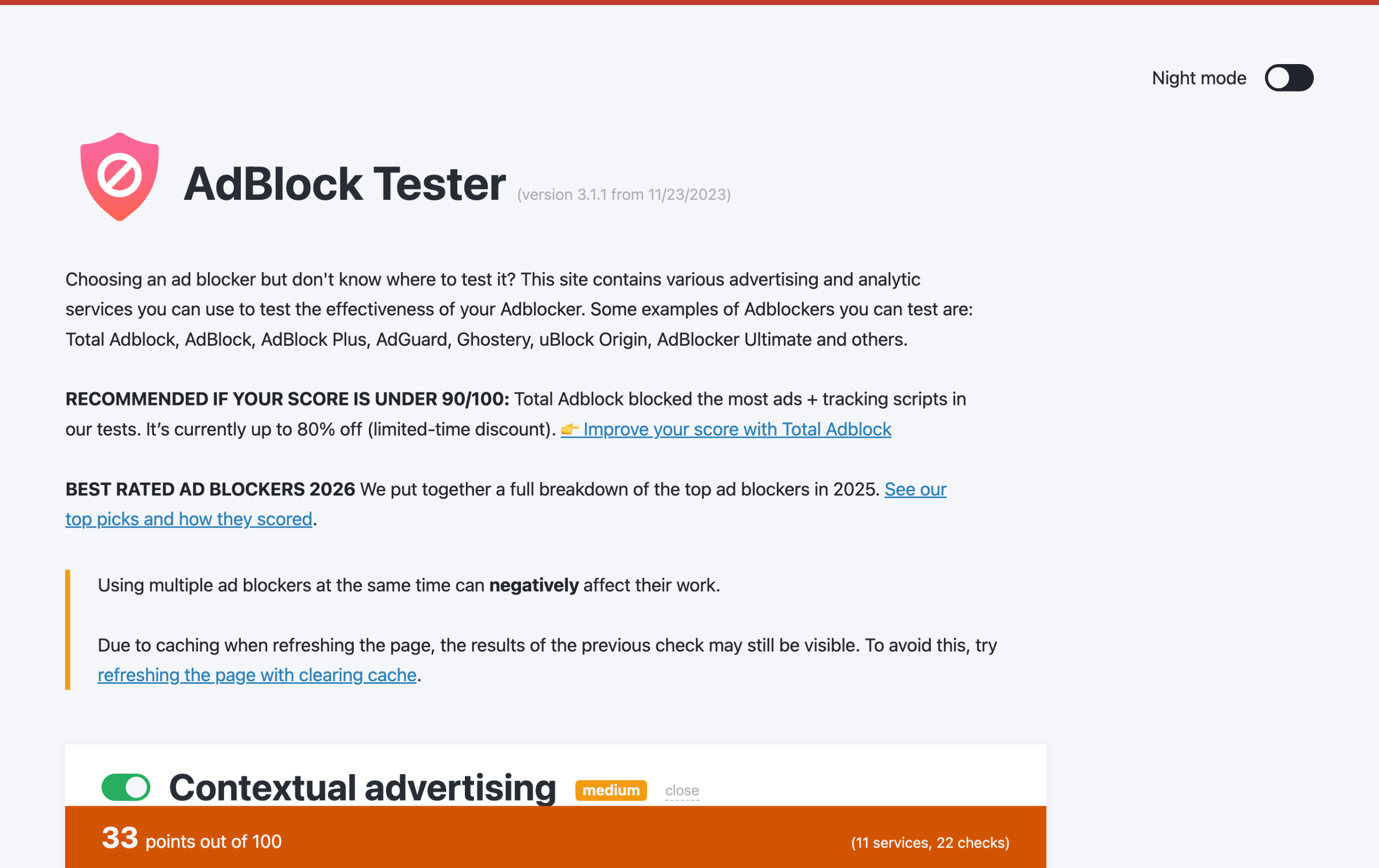
The result: more ads slip through, you get leftover blank boxes, and YouTube gets harder to clean up. You can see it on our own AdBlock Tester tool. A weakened, browser-only setup leaves points on the table.
More on this in our guide to system-wide ad blockers vs browser extensions.
What you actually lose when uBlock Origin stops working
It’s not just annoying banner ads coming back. When your blocker goes quiet, a few things happen at once:
- More tracking. Ad and analytics scripts that uBlock Origin used to stop are free to follow you around again.
- Slower, heavier pages. Ads and trackers add weight, so sites load slower and eat more data.
- More risk. Some ads carry malware (known as malvertising). A good blocker quietly cuts a lot of that out.
- YouTube ads return. The thing most people notice first.
That’s why “just live with it” isn’t a great plan. The fix below takes a few minutes.
The fix: block ads outside the browser
Manifest V3 only restricts things that run as a Chrome extension. So the trick is simple: stop relying on the browser to block ads. Here are the options that actually work in 2026, ranked.
1. AdGuard desktop app (our top pick)
This is what we recommend to most people. The AdGuard desktop app isn’t a browser extension. It installs on Windows or Mac and filters all of your traffic at the system level.
Because it never touches Chrome’s extension API, Manifest V3 can’t limit it. That means unlimited filter rules, real-time filtering, and ad blocking in every browser and app on your computer, YouTube included. In our testing it hit a perfect 100/100. It’s the closest thing to the old uBlock Origin, only stronger.
It’s a paid app, but it’s cheap, and there’s a discount running. Code CHECKADBLOCK30 takes 30% off. For never seeing an ad across your whole PC again, it’s an easy call. See how it compares in our AdGuard vs uBlock Origin breakdown.
2. Surfshark CleanWeb (best if you also want a VPN)
Surfshark’s CleanWeb feature blocks ads, trackers, and malicious sites at the network level. Again, that’s outside the browser, so Manifest V3 doesn’t touch it.
It isn’t as surgical as AdGuard on tricky stuff like YouTube, but you get a full VPN bundled in, working across every device you own. A solid two-in-one if privacy is also on your list.
3. Total Adblock (the easy one-click button)
If installing a desktop app feels like too much and you just want a simple, one-click Chrome extension, Total Adblock is the no-fuss pick. It’s MV3-compliant, blocks YouTube ads, and has a clean interface with support.
Just know it’s still a browser extension, so it lives under the same Chrome limits as everything else. It’s the easy button, not the most powerful option.
What about uBlock Origin Lite?
uBlock Origin Lite (uBOL) is the official Chrome-friendly version, built to fit Manifest V3. It’s free and lightweight, so it’s a fine basic stopgap. But it’s a deliberately stripped-down tool. It loses the dynamic filtering that made the original so powerful, and by design it allows some tracking through.
For YouTube it’s hit or miss, and it won’t handle tough anti-adblock walls the way full uBlock Origin did. If you want that level of blocking, go system-level or switch browser. See the full uBlock Origin vs uBlock Origin Lite comparison.
Free route: switch to Firefox or Brave
Don’t want to spend a cent? The full uBlock Origin still works perfectly on Firefox and Brave, because they kept the powerful blocking API that Chrome removed. The only catch is leaving Chrome behind. Here’s the quick way to move:
- Install Firefox (or Brave, which has blocking built in).
- In Firefox, open the Add-ons store and install uBlock Origin.
- Sign in to your browser to bring over your bookmarks and passwords.
- Set it as your default browser, and you’re done.
Does it still block YouTube ads?
This is the question everyone really wants answered, so here’s the short version:
- AdGuard desktop app: yes, and reliably. System-level filtering handles YouTube well.
- Surfshark CleanWeb: partly. It blocks a lot, but network-level tools can’t always strip YouTube’s own ads.
- Total Adblock: yes for standard YouTube ads.
- uBlock Origin Lite: inconsistent on Chrome.
- Firefox or Brave plus uBlock Origin: yes, full strength.
What about Edge, Opera, and other browsers?
Edge and Opera are built on the same Chromium engine as Chrome, so they’re moving toward the same Manifest V3 limits. Edge has kept the older extensions working a little longer, but it isn’t a long-term escape. Brave is the exception among Chromium browsers: it has strong ad blocking built right in. For full, no-compromise uBlock Origin, Firefox is still the safest home.
Quick comparison
| Option | How it blocks | Hit by Chrome’s limits? | Best for |
|---|---|---|---|
| AdGuard desktop | System level (whole PC) | No (immune) | The real replacement for uBlock Origin |
| Surfshark CleanWeb | Network / VPN level | No (immune) | Ad blocking plus a VPN in one |
| Total Adblock | Chrome extension | Yes | Simple one-click setup |
| uBlock Origin Lite | Chrome extension | Yes (reduced power) | A free, basic stopgap |
| Firefox or Brave plus uBlock Origin | Browser (full power) | No | Free, if you’ll switch browser |
Still weighing up Chrome specifically? Our full list of the best ad blockers for Chrome in 2026 goes deeper, and you’ll find current deals on our ad blocker coupon codes page.
So which should you actually pick?
- You want the strongest, set-and-forget fix: AdGuard desktop app (don’t forget code CHECKADBLOCK30).
- You also want a VPN: Surfshark CleanWeb.
- You want dead-simple and one-click: Total Adblock.
- You want free and you’ll change browser: Firefox or Brave with uBlock Origin.
Frequently asked questions
Why is uBlock Origin not working on Chrome?
Because Google switched Chrome to Manifest V3, which removed the blocking technology uBlock Origin was built on. The full extension can no longer run, and Google has now removed the workarounds that used to bring it back.
Can I still re-enable uBlock Origin in Chrome?
No. For a while there were command-line flags and an enterprise policy that kept it alive, but those were removed in 2026. There’s no reliable way to run the full uBlock Origin on Chrome anymore.
Is uBlock Origin gone forever on Chrome?
Yes. The full version can no longer run on Chrome as of 2026, and the developer has confirmed there will be no Manifest V3 version. It still works on Firefox and Brave.
What’s the closest thing to the old uBlock Origin?
The AdGuard desktop app. Because it filters at the system level instead of inside Chrome, it isn’t limited by Manifest V3, so it delivers the deep, unlimited filtering uBlock Origin used to, across every browser and app.
Does uBlock Origin Lite block YouTube ads?
Sometimes, but not reliably. Because it runs under Chrome’s new limits, it’s weaker than the original on YouTube and on sites with anti-adblock walls. A system-level tool like AdGuard, or Firefox with full uBlock Origin, does a much better job.